Clients
Vantor uses Clients to partition resources belonging to a single application.
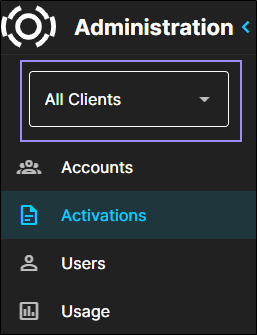
Select a client from the Client drop-down.
-
From the Client drop-down, select a client.
You will only see the Client drop-down if you have access to more than one client.
Using Clients in the Administrator Interface
Below are some helpful tips and information about using different clients.
-
You must select a client before creating most entities in the Hub Administrator Portal (e.g., users, activations).
-
By default, if you have access to multiple clients, you are taken to the first client you have access to, alphabetically.
-
Client selections persist until you change them.
-
When you log in to the system, you will see the client you had selected when you were last logged in.
-
If you select an entity that belongs to a different client than the one that is currently selected, a dialog asks if you want to switch from the selected client to the new client.
-
-
You cannot change the client while creating, editing, or viewing an entity.